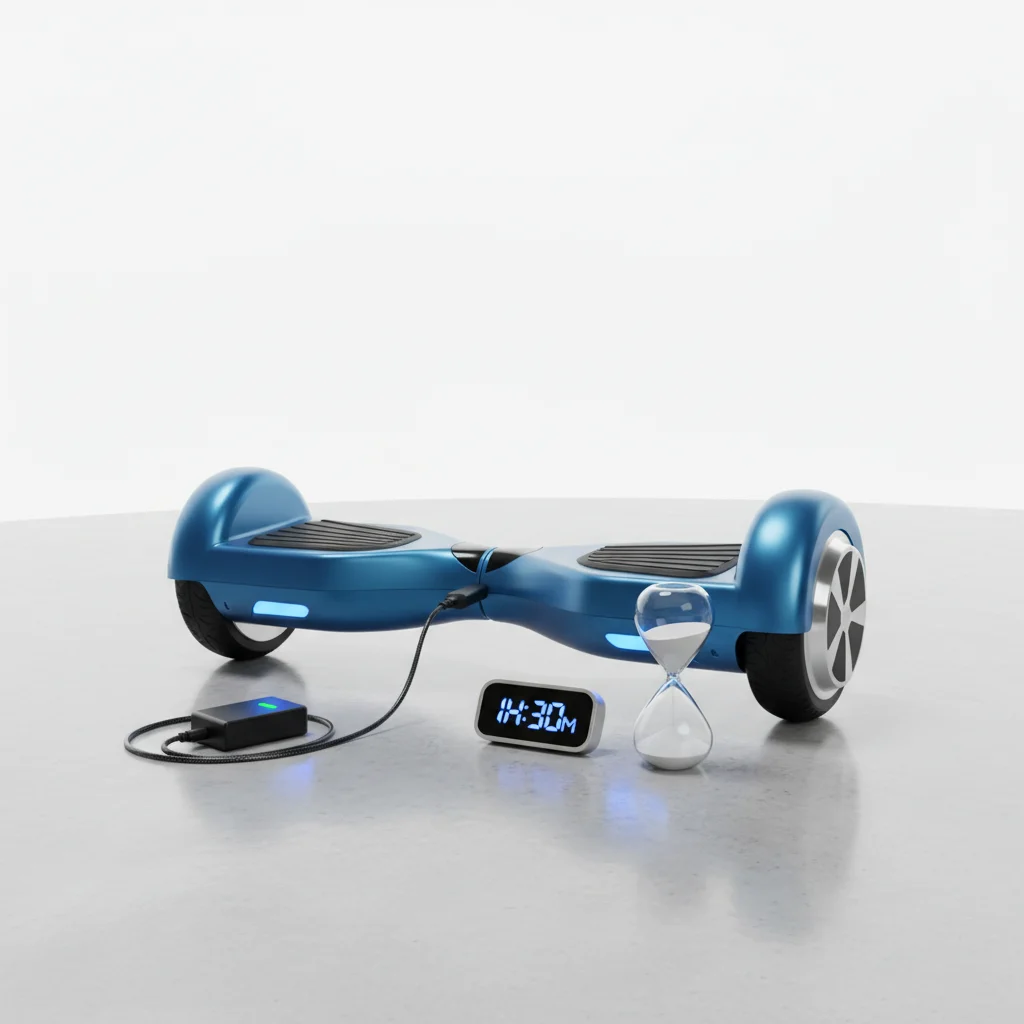
The typical hoverboard charging time ranges from 2 to 4 hours for a full battery, depending on the model’s battery capacity and the charger’s output. Understanding this timeframe is crucial for planning your rides and maintaining battery health. While some smaller models might charge in as little as 90 minutes, larger, more powerful hoverboards with extended ranges can take up to 5 hours to reach a complete charge.
Factors Influencing Hoverboard Charging Duration
Several key factors determine how long your hoverboard needs to charge. The most significant is the battery’s capacity, measured in watt-hours (Wh) or milliamp-hours (mAh). A higher capacity battery, designed for longer rides, will naturally require more time to fully charge. Conversely, hoverboards with smaller batteries, often found in models for younger riders, will charge more quickly.
The charger’s output also plays a vital role. Standard hoverboard chargers typically deliver between 1.5A and 2A. Using a charger with a lower amperage will extend the charging time, while a higher amperage charger (if compatible and safe for your specific model) can reduce it. Always use the charger provided with your hoverboard or a certified replacement to prevent damage and ensure safety.
Optimizing Your Hoverboard Charging Habits
To maximize your hoverboard’s battery life and ensure efficient charging, it’s important to adopt good charging habits. Avoid completely draining the battery before recharging; instead, try to charge it when it reaches around 20-30% capacity. This practice helps to preserve the battery’s overall lifespan. Additionally, do not overcharge your hoverboard by leaving it plugged in for extended periods after it’s reached 100%. Most modern hoverboards have built-in overcharge protection, but consistent overcharging can still degrade battery performance over time.
- Always use the original or a certified replacement charger.
- Charge in a cool, dry place away from direct sunlight.
- Avoid charging immediately after a long, strenuous ride; let the battery cool down.
- Unplug the charger once the indicator light turns green, signaling a full charge.
- Never leave a charging hoverboard unattended for prolonged periods.
Understanding Charging Indicators and Safety
|
Our Picks for the Best Hover Board in 2026
As an Amazon Associate I earn from qualifying purchases.
|
||
| Num | Product | Action |
|---|---|---|
| 1 | Gyroor Self Balancing Scooters Seat Attachment - Go Kart Conversion for 6.5'' to 10'' Self Balancing Scooters, Adjustable Frame Length, Perfect for Kids and Adults |

|
| 2 | K1 Go-Kart Seat Attachment for Self-Balancing Scooters, Adjustable Frame Fits 6.5"/8"/10" Boards, Easy Install, Kids & Family Fun (Scooter Not Included)–Classic Black |
|
| 3 | LIEAGLE Hoverboard, 6.5" Self Balancing Scooter Hover Board with Bluetooth Wheels LED Lights for Kids Adults |
|
| 4 | Hover-1 My First Self Balancing Scooter for Kids with 5 mph Max Speed, Dual 150W Motors, 6.3” Tires, 3 Miles Max Range, and LED Headlights |
|
| 5 | Self-Balancing Scooter Skin Hoverboard Sticker Adult e Scooter Electric Scooter for Adults Reflective |
|
| 6 | Self Balance Scooter Seat Attachment 6.5” Two-Wheel Self Balancing Electric Scooter with LED Light Flash Lights Wheels |
|
| 7 | INMOTION E20 Electric Unicycle Hoverboard for Beginners – 14" Wheel, 900W Motor, 18.6 Miles Range, 12.5mph, UL2272 Certified – Lightweight & Safe Self-Balancing Scooter |
|
| 8 | K2 Self-Balancing Scooter Go Kart with Rear Shock Absorption, Balancing Scooter Seat Attachment for 6.5" 8" 10" Tires, Adjustable Length & Off-Road Wheel( (Not Including Balancing Scooter) |
|
| 9 | Razor Hovertrax 2.0 Hoverboard, UL2272 Certified Self-Balancing Hoverboard Scooter, for Kids Age 8+ |
|
| 10 | 8.5” All Terrain Hover Board, Off Road Self Balancing Scooter with Bluetooth and LED Lights, UL2272 Safety Certified |
|
Most hoverboard chargers feature an indicator light that changes color to signal the charging status. Typically, a red or orange light indicates that the hoverboard is actively charging, while a green light signifies that the battery is full. Familiarize yourself with your specific model’s indicator system as outlined in the user manual. If you notice any unusual heat, smells, or sounds during charging, immediately unplug the charger and consult the manufacturer’s guidelines or a professional.
Safety during charging is paramount. Always charge your hoverboard on a non-flammable surface, away from carpets or other combustible materials. Ensure adequate ventilation around the charging area to prevent heat buildup. Never attempt to charge a damaged hoverboard or a battery that shows signs of swelling or leakage. For reliable and safe charging, consider investing in a high-quality, UL-certified hoverboard charger.
Extending Battery Life Beyond Charging
Beyond proper charging, several practices can help extend your hoverboard’s overall battery life. Regular maintenance, such as keeping the wheels clean and ensuring proper tire pressure (if applicable), reduces strain on the motor and, consequently, the battery. Storing your hoverboard in a cool, dry environment when not in use, especially during off-season periods, also contributes to battery longevity. If storing for an extended time, charge the battery to about 50-60% before putting it away and periodically check its charge level.
Understanding your hoverboard’s specific battery type, whether it’s a lithium-ion or another variant, can also inform your maintenance and charging routines. Lithium-ion batteries, common in most hoverboards, benefit from partial charges rather than full discharge cycles. For replacement chargers or batteries, always prioritize products that meet safety standards and are compatible with your specific hoverboard model.
Get our weekly buyer guide
Practical specs, not advice. Unsubscribe anytime.
