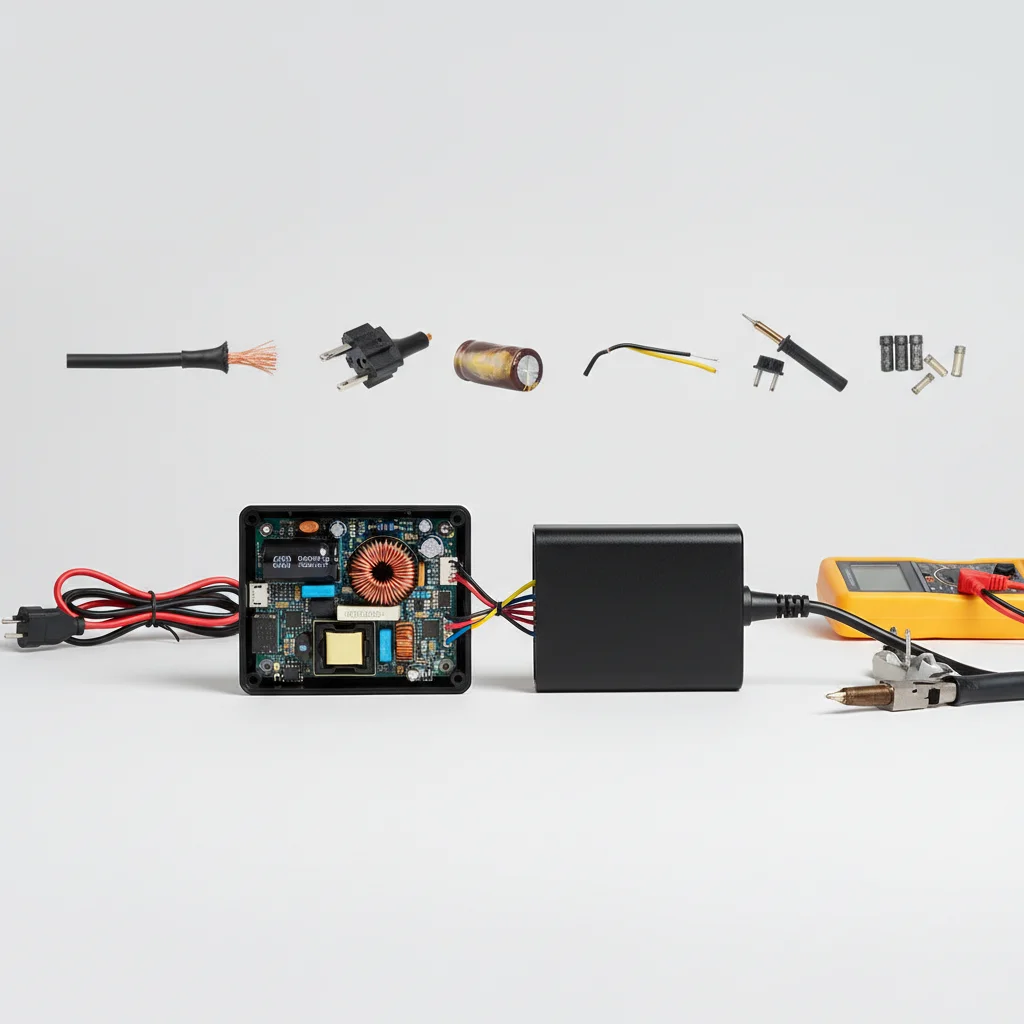
When your hoverboard charger stops working, it can be frustrating, but many common issues can be resolved with simple DIY fixes. There are typically five main problems that lead to charger malfunction, ranging from cable damage to internal component failure. Understanding these issues and their solutions can save you time and money on professional repairs, getting you back to riding quickly.
Diagnosing a Damaged Charger Cable
One of the most frequent culprits for a non-functional hoverboard charger is a damaged cable. This can include fraying near the plug, kinks in the wire, or even visible cuts in the insulation. Carefully inspect the entire length of the cable, paying close attention to the points where it connects to the charging brick and the wall outlet. A multimeter can be used to check for continuity if no visible damage is present. If a break is found, a temporary repair might involve electrical tape for minor nicks, but for significant damage, replacement is often the safest and most reliable option.
Troubleshooting a Faulty Charging Port
Sometimes, the issue isn’t with the charger itself but with the hoverboard’s charging port. Debris, dirt, or even bent pins inside the port can prevent a proper connection. Use a flashlight to inspect the port for any obstructions. A can of compressed air can dislodge dust, while a small, non-conductive tool like a toothpick can carefully straighten bent pins. Always ensure the hoverboard is turned off and unplugged before attempting any internal port inspection or cleaning to avoid electrical shock.
Addressing Overheating Charger Issues
|
Our Picks for the Best Hover Board in 2026
As an Amazon Associate I earn from qualifying purchases.
|
||
| Num | Product | Action |
|---|---|---|
| 1 | INMOTION E20 Electric Unicycle Hoverboard for Beginners – 14" Wheel, 900W Motor, 18.6 Miles Range, 12.5mph, UL2272 Certified – Lightweight & Safe Self-Balancing Scooter |

|
| 2 | LIEAGLE Hoverboard, 6.5" Self Balancing Scooter Hover Board with Bluetooth Wheels LED Lights for Kids Adults |
|
| 3 | K2 Self-Balancing Scooter Go Kart with Rear Shock Absorption, Balancing Scooter Seat Attachment for 6.5" 8" 10" Tires, Adjustable Length & Off-Road Wheel( (Not Including Balancing Scooter) |
|
| 4 | Hover-1 My First Self Balancing Scooter for Kids with 5 mph Max Speed, Dual 150W Motors, 6.3” Tires, 3 Miles Max Range, and LED Headlights |
|
| 5 | Self Balance Scooter Seat Attachment 6.5” Two-Wheel Self Balancing Electric Scooter with LED Light Flash Lights Wheels |
|
| 6 | Self-Balancing Scooter Skin Hoverboard Sticker Adult e Scooter Electric Scooter for Adults Reflective |
|
| 7 | Razor Hovertrax 2.0 Hoverboard, UL2272 Certified Self-Balancing Hoverboard Scooter, for Kids Age 8+ |
|
| 8 | Gyroor Self Balancing Scooters Seat Attachment - Go Kart Conversion for 6.5'' to 10'' Self Balancing Scooters, Adjustable Frame Length, Perfect for Kids and Adults |
|
| 9 | 8.5” All Terrain Hover Board, Off Road Self Balancing Scooter with Bluetooth and LED Lights, UL2272 Safety Certified |
|
| 10 | K1 Go-Kart Seat Attachment for Self-Balancing Scooters, Adjustable Frame Fits 6.5"/8"/10" Boards, Easy Install, Kids & Family Fun (Scooter Not Included)–Classic Black |
|
An overheating charger is a clear sign of a problem and can be a fire hazard. This often occurs due to prolonged use, poor ventilation, or an internal short circuit. If your charger feels excessively hot to the touch, immediately unplug it. Allow it to cool down completely before attempting to use it again. Ensure the charger is used in a well-ventilated area, away from direct sunlight or heat sources. If overheating persists, the charger’s internal components may be failing, necessitating a replacement.
Identifying Incorrect Voltage or Amperage
Using the wrong charger for your hoverboard can lead to charging issues or even damage to the battery. Every hoverboard has specific voltage and amperage requirements, usually printed on the original charger or in the user manual. If you’re using a replacement charger, verify that its output matches your hoverboard’s specifications. An incorrect voltage can prevent charging, while mismatched amperage can lead to slow charging or battery degradation over time. Always prioritize using a charger that precisely matches your hoverboard’s electrical needs.
When to Consider a Charger Replacement
While many issues can be fixed, some problems indicate that a full charger replacement is the best course of action. If you’ve tried all the troubleshooting steps and your charger still isn’t working, or if there’s significant physical damage to the charging brick itself, it’s time for a new one. Investing in a high-quality, compatible replacement charger is crucial for the longevity and safety of your hoverboard’s battery. Look for chargers from reputable manufacturers that meet safety standards.
- Inspect charger cable for visible damage.
- Clean hoverboard charging port of debris.
- Ensure proper ventilation for the charger.
- Verify charger voltage and amperage match hoverboard.
- Replace charger if internal damage or persistent issues occur.
Get our weekly buyer guide
Practical specs, not advice. Unsubscribe anytime.
